Classification accuracy
99.56%
of the URLs assessed on September 26, 2026
Test scope
In 677 of the 680 completed analyses, the result matched the test set label.
- Test date
- Test type
- Internal benchmark
Protect Android phones and Windows PCs from phishing. Manage their protection in Enterprise Security Center (ESC).
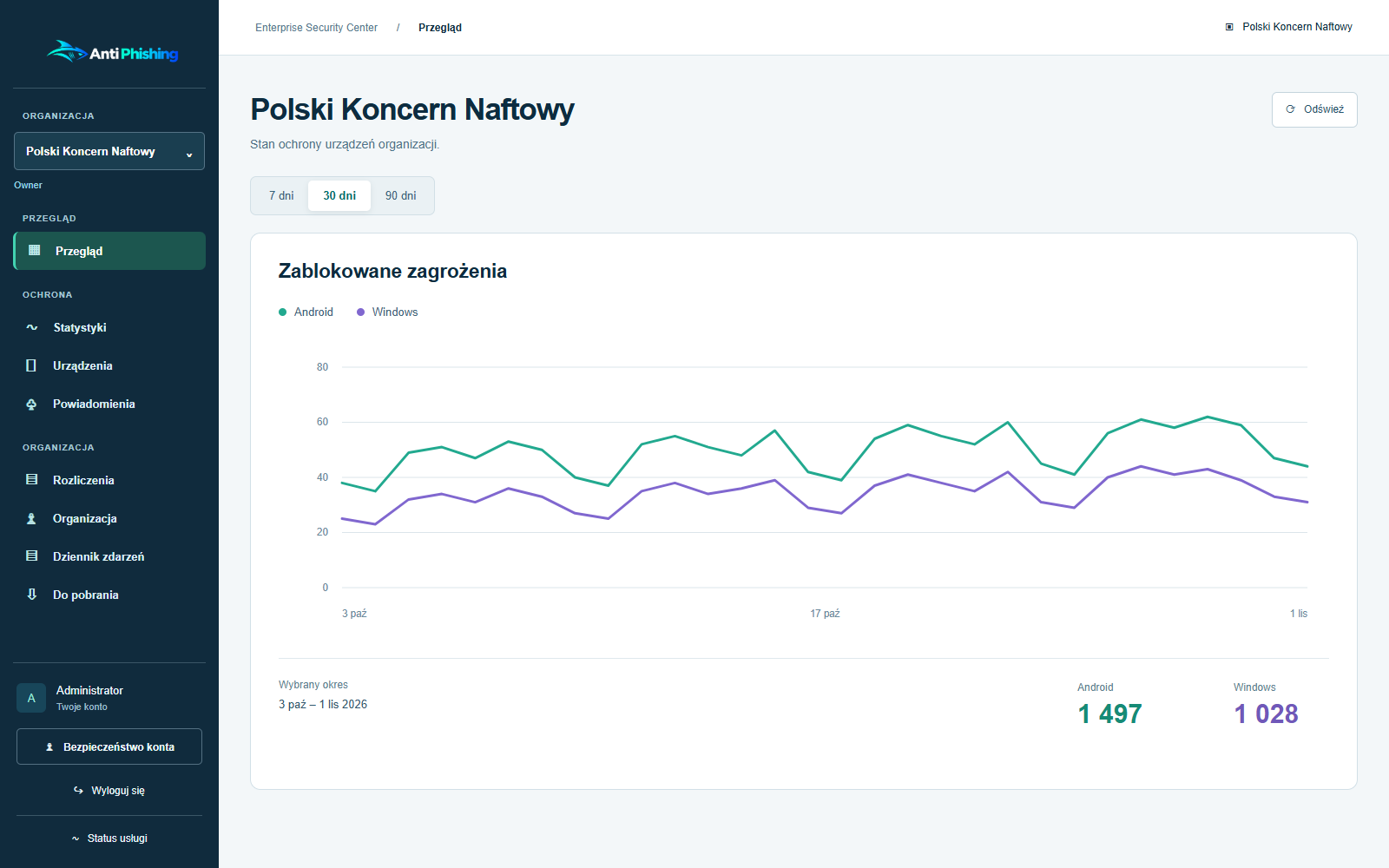
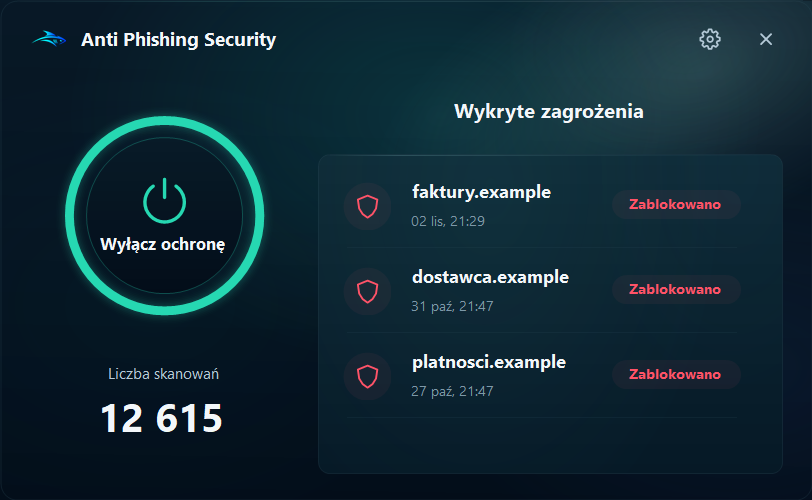
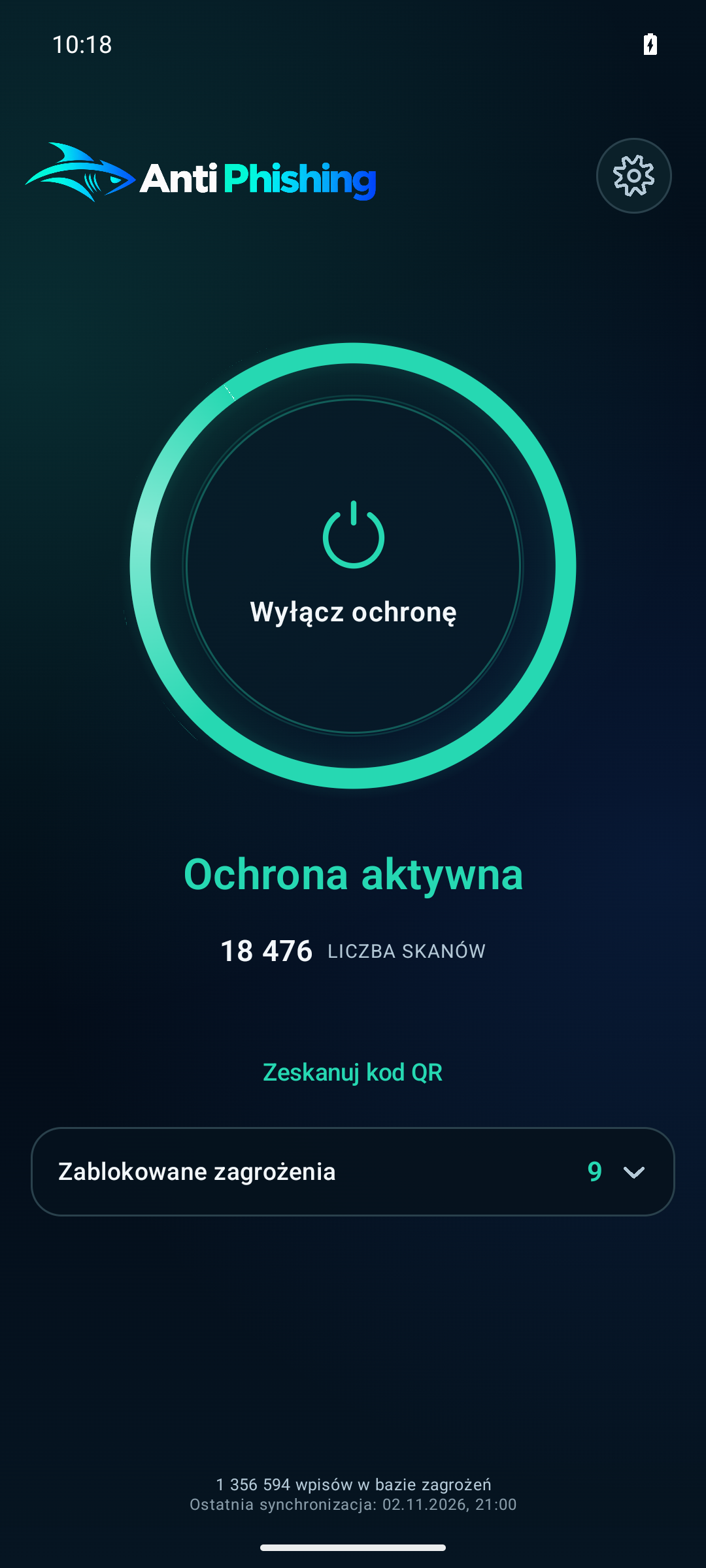
Protect phones and computers and monitor them together in ESC.
Business protection 02Protect Android and Windows devices from unsafe web addresses.
Explore the appsSee how your organization can use one dashboard to monitor protection on Android and Windows devices.
Compare events from Android and Windows devices over the period you select.
Organization roles and multifactor sign-in.
View Android and Windows results by source and time period.
Monitor Android and Windows protection, review security reports and manage organization policies.
Connect the Android app to your organization in Enterprise Security Center so your team can monitor protection across company devices.
Create an invitation in ESC and use it to add the phone to your organization.
Review protection status, screen lock, encryption and security patches. Check whether the device meets company policy.
Review phishing events, network threats and statistics for the period you select.
Anti Phishing Security works with the Anti Phishing Sensor extension in Chrome and Edge. Connect the PC to ESC to share reports with your team and apply your organization’s policy.
Download the installer from ESC and enroll the PC using the code from your administrator.
Manage protection, startup behavior, updates and whether users can change settings locally.
See blocked sites, installed software and the security status of assigned PCs.
We test web protection on a defined sample and report classification accuracy for the URLs we assessed.
of the URLs assessed on September 26, 2026
In 677 of the 680 completed analyses, the result matched the test set label.
Anti Phishing Technologies P.S.A. conducted this internal test on September 26, 2026. The result covers 680 URLs assessed by the full web protection system.
On September 26, 2026, the system returned a final result for 680 URLs. It matched the test set label in 677 cases, giving an accuracy of 99.56% on this sample.
The result measures the full web protection system on this sample. It does not measure Argus V6 in isolation. We agree on the scope of validation with each organization based on its intended use.
Discuss validation for your use caseProtect employees’ phones and computers. We plan the deployment around the threats you face, your device count and your security team’s requirements.
In Enterprise Security Center, you can check protection status, detected threats and security reports for Android and Windows devices. Organization policies set requirements for both platforms.
Explore the appsYour security team can see which threats were detected and check device protection status. Talk to us about the scope of your deployment.
Discuss your use caseWe identify the devices, deployment size, threat scenarios and your team’s requirements.
We set the scope of the pilot and agree on how to assess classification accuracy and fit with your workflow.
Before you decide whether to deploy, we discuss integration, the data involved, support arrangements and contract terms.
ESC access controls. Enterprise Security Center supports multifactor authentication, organization roles and a history of security events. We discuss data processing and contract requirements when assessing the deployment.
Service statusProtect phones and computers. Connect them to your organization so your team can monitor their protection status.
Anti Phishing blocks known dangerous domains in your phone’s DNS traffic and addresses identified as threats in supported browsers. Organizations can monitor protection and the status of Android’s built-in security features in one place.
Anti Phishing Security blocks confirmed threats in Chrome and Edge. It combines browser protection with device monitoring and reporting in ESC.
We use AI models and current threat intelligence to analyze URLs, websites and network infrastructure. The Android app protects DNS traffic. The Windows app works with Chrome and Edge.
Blocks confirmed threats before a dangerous site opens.
Detects anomalies that conventional blocklists miss.
Supplies our products with up-to-date intelligence on campaigns and active threats.
Blocks access to known malware distribution infrastructure, command-and-control (C2) servers and other confirmed network threats.
Provides Android and Windows security reports for your organization. Reports cover platform-specific signals such as encryption, system protection, updates and app status.
Argus V6 combines Transformer-based text analysis with a separate branch for numerical features and a classifier. It evaluates signals from the URL and page content to help detect phishing beyond lists of known threats.
We develop two detection models, Argus V5 and Argus V6. The newer model uses more than 32 million parameters fine-tuned for Argus tasks.
View the web protection test resultsAnti Phishing does not need access to the contents of your texts, emails or chats. It blocks known dangerous domains in DNS requests, including requests from other apps. In supported browsers, it checks the address shown in the address bar.
The app monitors connections in the background. Open it to see your network protection status and any threats detected.
Our team in Poland develops phishing detection models, Android and Windows apps, and tools for organizations.
Both. Organizations can connect devices to Enterprise Security Center to review protection status and reports.
The Windows installer and Android app are available after you sign in to ESC, in Downloads. The Android app requires Android 8.0 or later; the Windows app runs on 64-bit PCs. For access, contact us.
Contact us with your intended use, approximate deployment size and the number of Android and Windows devices. We will then agree on the evaluation scope and technical and commercial terms. We agree on support requirements, service levels and data processing terms individually in the contract.
Ask about app access, or discuss a pilot and your organization’s requirements.
Email us directly: contact@antiphishingtechnologies.com
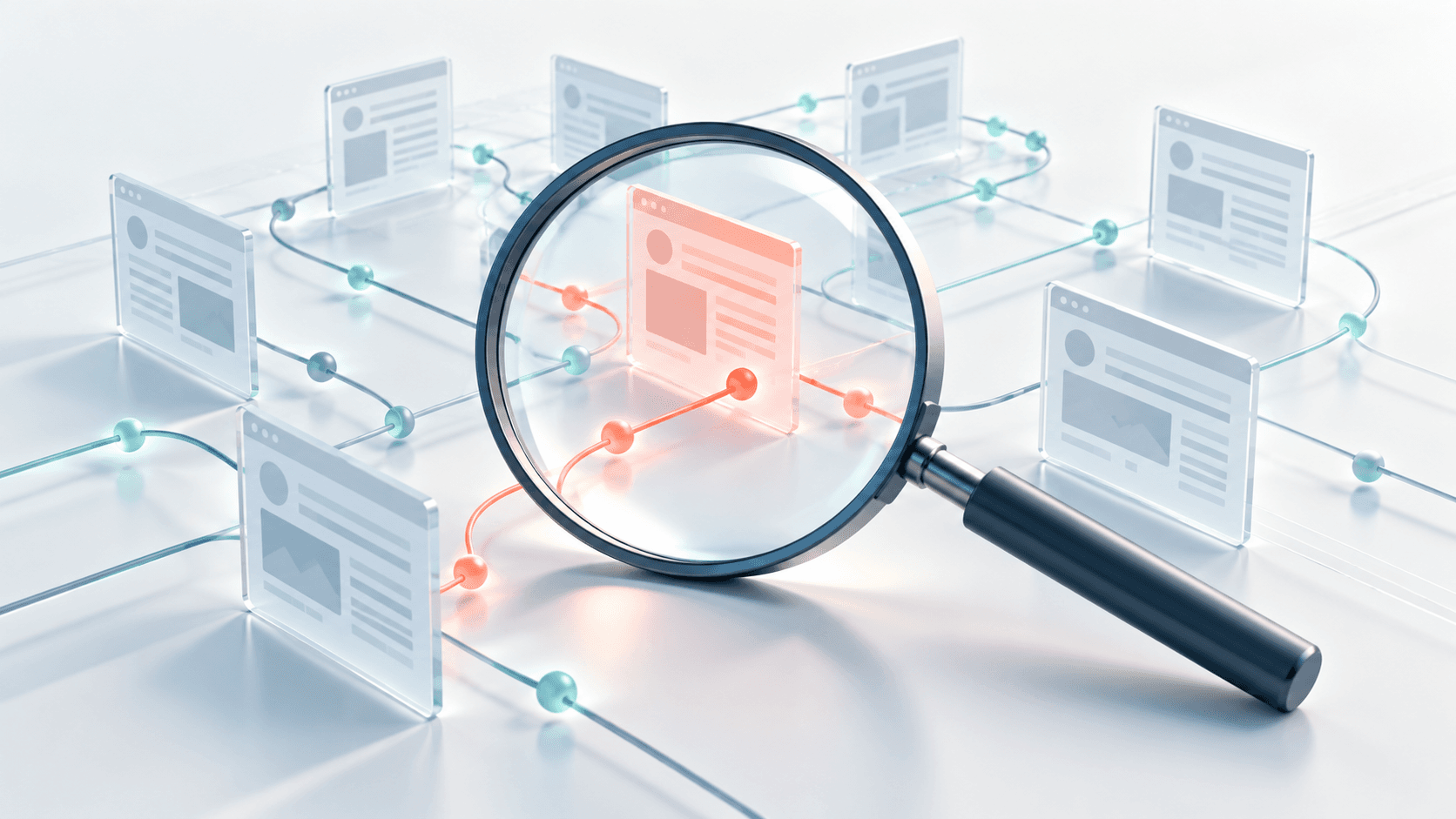
My Company Polska looks at how we developed Argus V6, how it evaluates suspicious websites and how we use the technology in our products.
Read article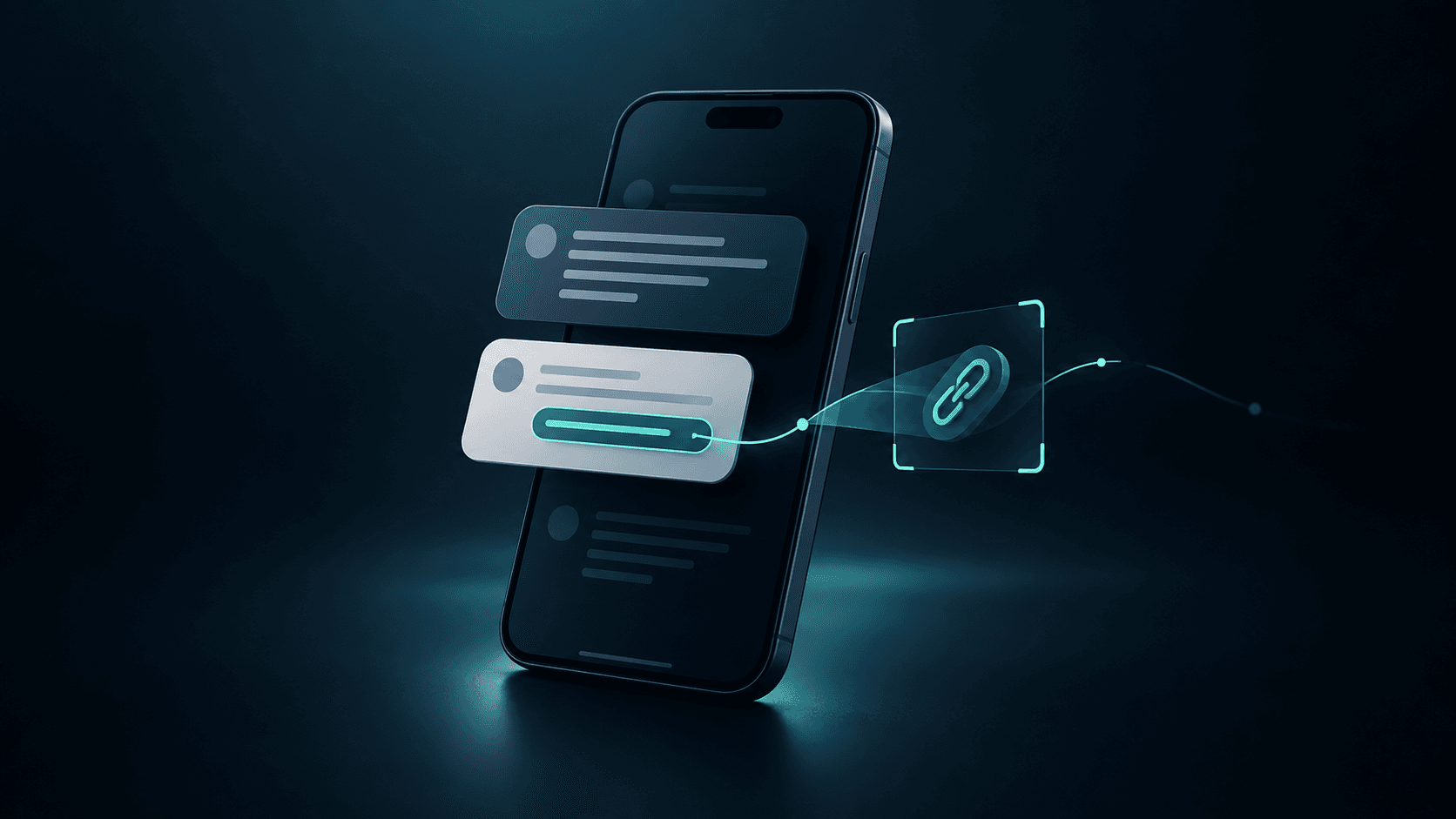
A text about a delivery, a locked account or an overdue bill arrives in the middle of an ordinary day. Smishing relies on the recipient treating the request as routine and acting before checking who sent it.
Read article