
Monitor device protection in one place
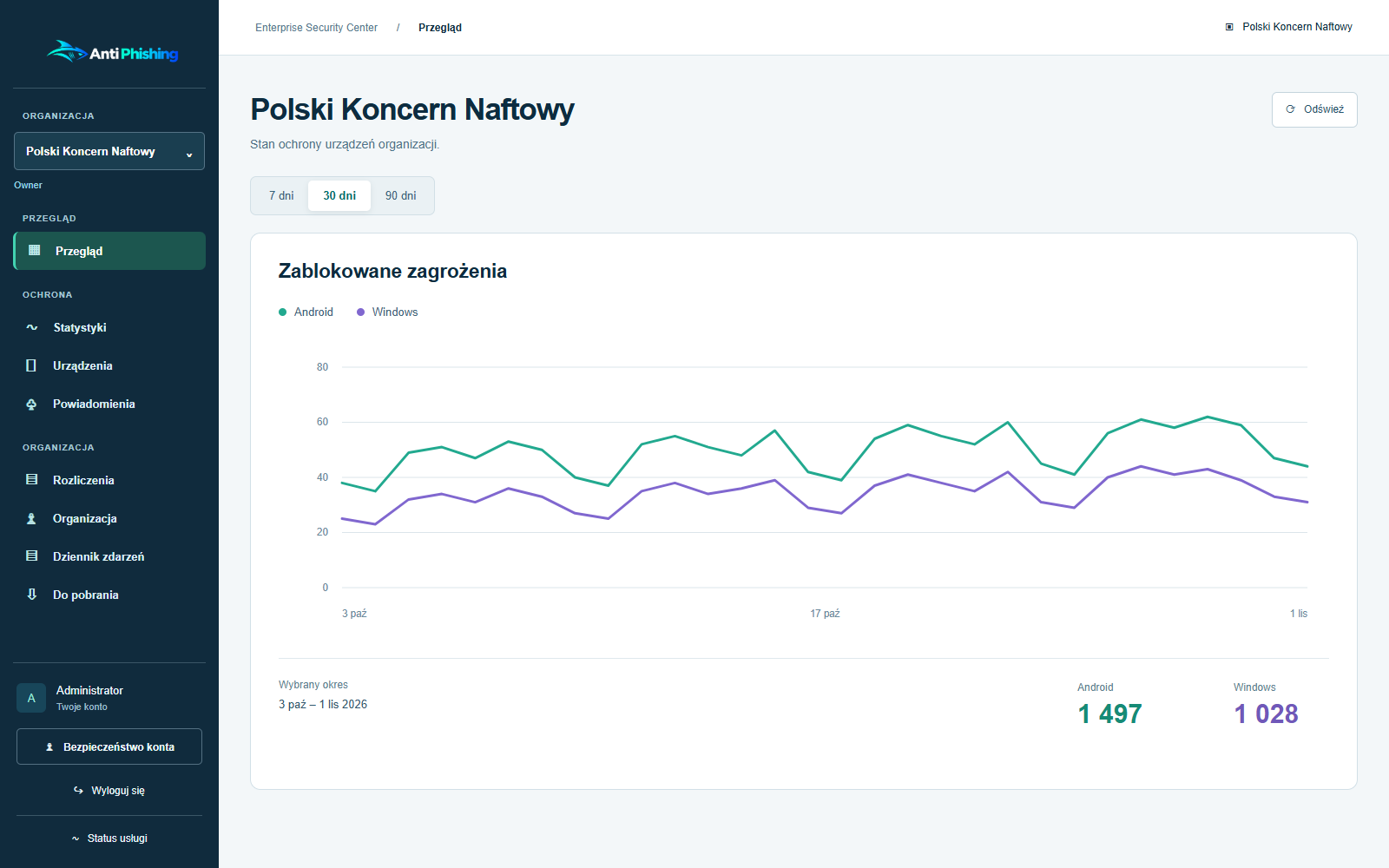
View Android and Windows device protection in one dashboard. Check security status and device activity, and use reports to assess compliance with your organization’s policy.
From enrollment to daily monitoring
Device enrollment
Your organization invites devices to join Enterprise Security Center. Once enrolled, the Android and Windows apps send reports so administrators can check protection status in one place.
Protection and activity
The dashboard lists devices alongside their protection status, activity and threat statistics. The timestamp on the latest report shows how current the information is.
Device Security Posture
Android reports cover screen lock, encryption and security patches, among other settings. Windows reports include system protection, encryption, Secure Boot and installed software. The dashboard shows the available signals for each platform separately.
Policies and compliance
Administrators set protection requirements and use device reports to assess compliance. Windows policy covers protection, startup, update checks and who can change settings locally. Administrators centrally manage allowed domains for their organization.
How to interpret device reports
The dashboard shows each device’s protection status and when it last reported.
Signs of root access are heuristic indicators. They do not provide hardware-backed device attestation. The information available from Android and Windows depends on the operating system version, permissions and whether the app is running.
Deployment in your organization
When planning a deployment, we agree on use cases, device counts and criteria for evaluating the pilot. Your team can then test everyday tasks, from protecting employees’ phones and computers to responding to detected threats.
Talk to us about your deployment
Discuss protection for your devices or plan a pilot for your organization.